Send
YOUR ONLINE STORE, POS, INVENTORY AND ACCOUNTING ON ONE PLATFORM. SCHEDULE A DEMO.
02 Sep 2024 12.00 AM I 453 Views

How can I edit existing category details on the dashboard?

  • This Article is for stores running on Solo plan or higher

To edit existing category details on the dashboard, you can follow these steps:

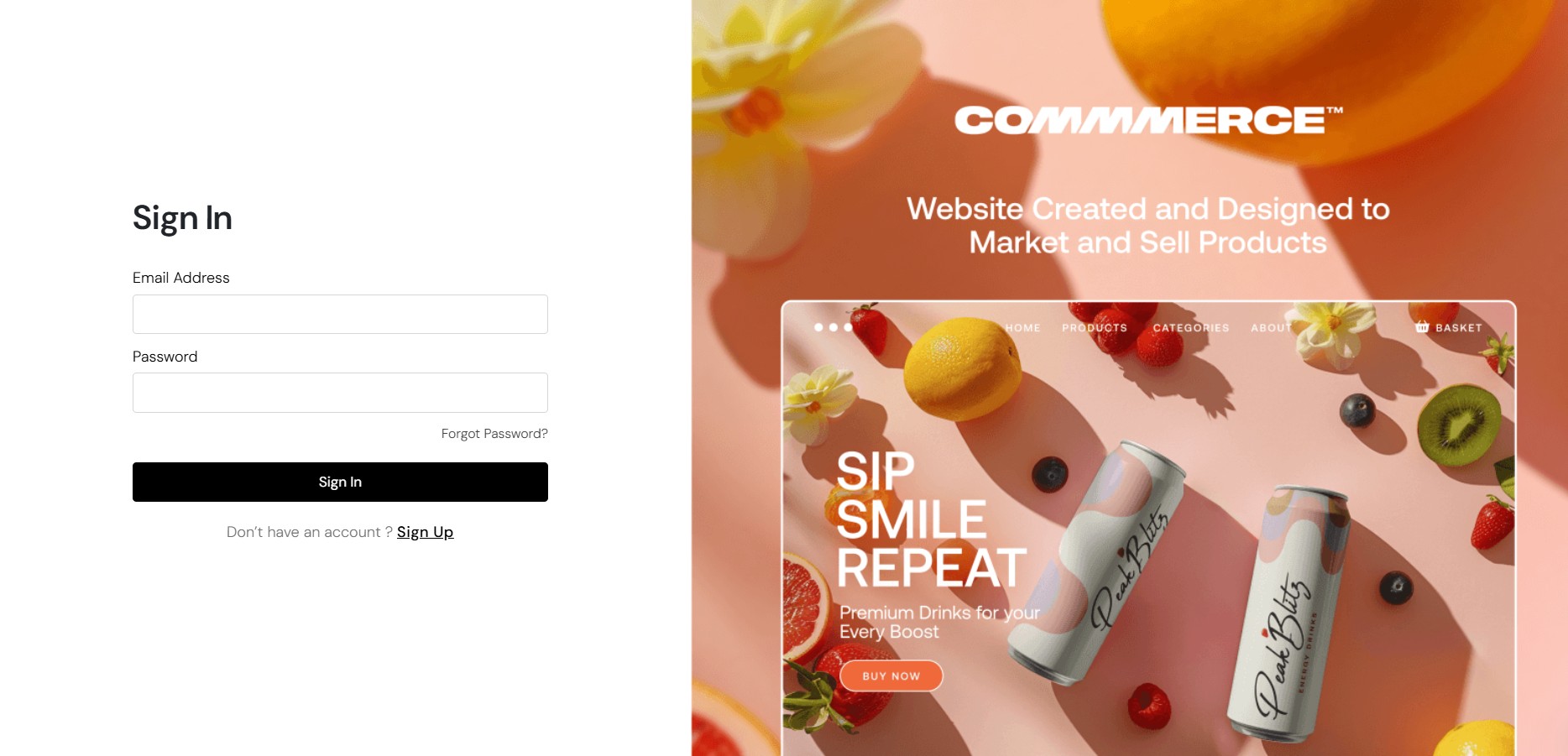
Step 1. Log in to your Commmerce’s Admin Panel by entering the Registered mail ID and Password. To log in click here
 

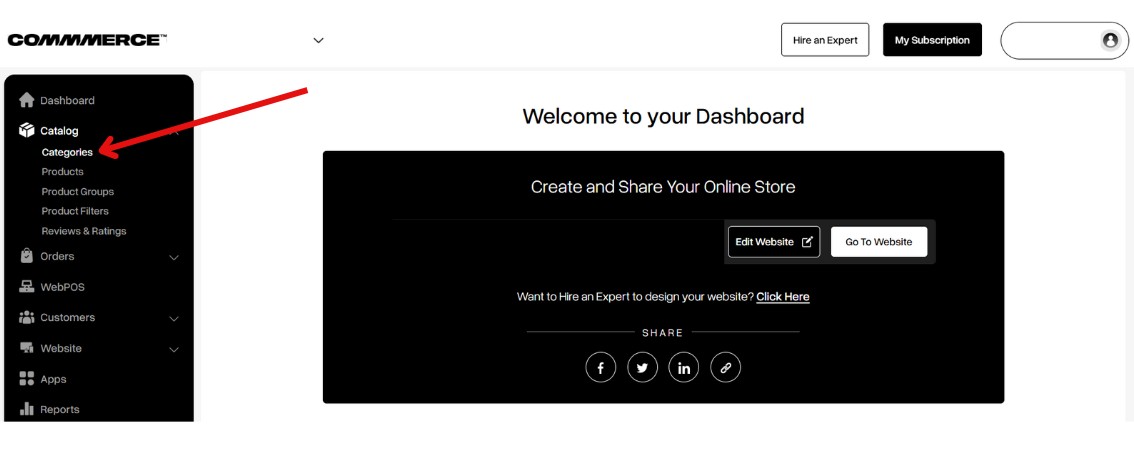
Step 2. From the dashboard, navigate to the Catalog section and select Categories to sort your categories.
 

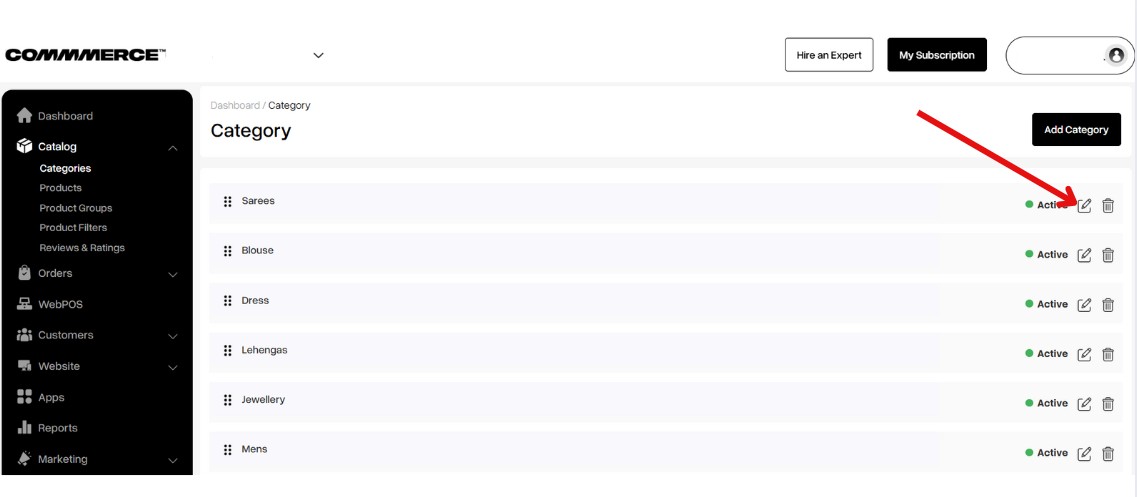
Step 3. Select the category you wish to edit, then click on the 'Edit' option to make changes.
 

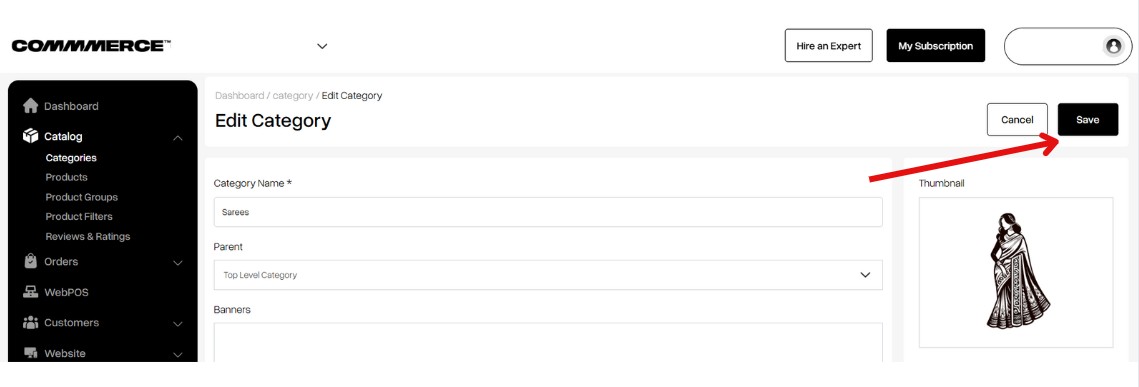
Step 4. Make the required changes to the category details, and click 'Save' once you're done editing.
 

Was this page helpful?

Didn't find what you are looking for ? Mail us your query on

support@commmerce.com