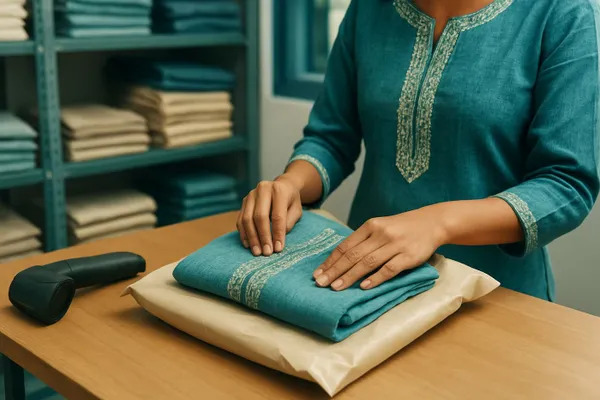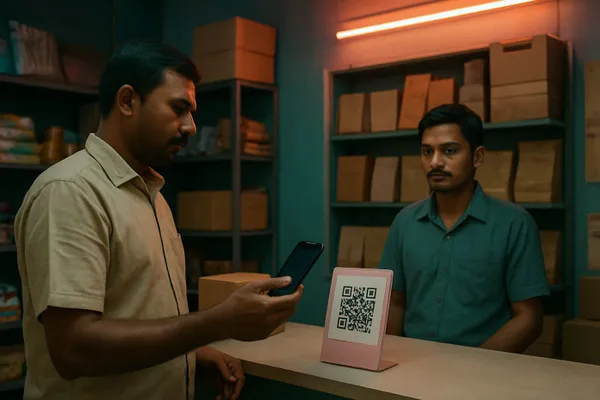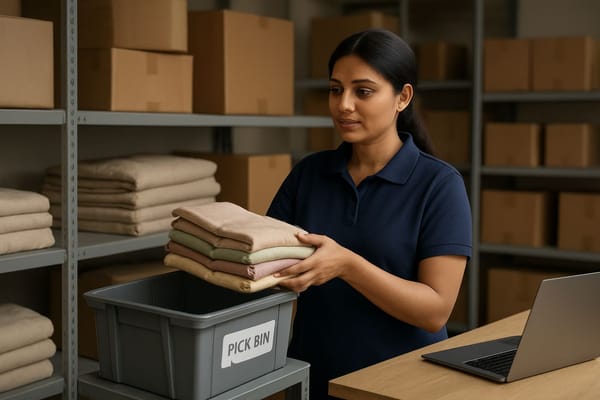
An unconfirmed COD order holds stock the same way a paid order does. If nobody calls the customer, those units sit reserved for days, your website shows sold out, and the next real buyer leaves. Releasing that stock on a clear deadline is the fix.
Why does an unconfirmed COD order block stock?
Most order systems reserve stock the moment an order is placed, not when it is confirmed. So a cash on delivery order that the customer never answers keeps its units locked, even though nobody has agreed to buy them.
For a retailer selling on a website, a marketplace and a store, the damage spreads. The unit is physically on the rack. The system treats it as taken. Every channel that reads available stock sees zero, and a customer who would have paid walks away. This is different from a cancelled order that strands stock after the fact, which we covered in how order cancellations strand stock. Here the stock never gets freed because the order never gets decided.
Where the lock-up comes from
- Impulse COD orders: the buyer clicked, then changed their mind, and will never pick up the call.
- Wrong or unreachable numbers: the confirmation call goes nowhere and the order drifts.
- Weekend and festive spikes: orders arrive faster than the team can call, so the queue ages.
- No owner: confirmation is "someone's job", so it waits until a Monday review.
How much stock can pending orders actually hide?
There is no standard number, and anyone quoting one for your shop is guessing. What you can measure is simple: units reserved by orders older than your confirmation window, divided by total units reserved.
Pull a list of open COD orders that are still unconfirmed, group them by age, and look at the oldest group. Those are the units that should be selling. For fast movers with only a few units on hand, one stale order can turn a product page into a sold out page.
What does it cost you?
It costs the sale you could not make while the unit was locked, plus the courier and return cost when a stale order is finally shipped and refused. Courier delivery of cash orders that were never confirmed is a known driver of return to origin, which is why fixing failed delivery attempts before they become RTO and closing pincode serviceability gaps matter so much for COD heavy stores.
The India Brand Equity Foundation tracks how fast online retail in India is growing, and with more orders flowing through more channels the cost of a few hundred locked units grows with it. The mechanism is the same at any size: locked stock cannot earn margin.
How to release stock held by unconfirmed COD orders
Set a confirmation deadline, make one person own it, and let the system release stock when the deadline passes. Follow these steps in order.
- Define a confirmation window for COD orders, for example 24 hours, and write it into your order policy.
- Tag every new COD order as "awaiting confirmation" so it is separate from confirmed and prepaid orders in your queue.
- Assign confirmation calls or WhatsApp messages to a named person per shift, with a target to clear the queue each morning.
- Send one automatic reminder to the customer at the halfway point of the window.
- Cancel any order still unconfirmed when the window ends and release its units back to available stock at once.
- Review the cancelled list weekly, and block or require prepayment for pincodes and numbers that repeatedly fail confirmation.
Which orders should confirm first?
Confirm the orders that hold the scarcest stock first. A COD order for the last two units of a bestseller costs more to leave open than a COD order for an item with fifty on the shelf.
Sort the confirmation queue by units left after the reservation, not by order time. Within that, put high value orders first, since they are also the costliest to ship and get refused. If you are tight on time before a festive cut-off, see how order cut-off times decide what ships on time so the confirmation window and the dispatch window do not fight each other.
How does this connect to overselling on marketplaces?
Locked stock and overselling are two sides of the same sync problem. If your website holds units for unconfirmed orders but a marketplace still shows them available, you can sell the same unit twice. The mirror case is described in how overselling on Amazon, Flipkart and Meesho drains margin.
Commmerce is an Omnichannel Retail Operating System for Indian retailers, and the principle it applies is one pool of stock with clear states: available, reserved for a confirmed order, and held for a pending one with an expiry. When pending holds expire on schedule, every channel reads the same truth. Orders that were placed across more than one location also benefit, as in handling split orders without losing margin.
What should you track every week?
Track four numbers: the share of COD orders confirmed within the window, the average hours to confirm, the units released by expiry, and the refusal rate of COD orders by pincode.
- Confirmation rate: confirmed orders divided by all COD orders placed.
- Time to confirm: the average gap between order and confirmation.
- Units released by expiry: stock that came back to sale because you set a deadline.
- Refusal rate by pincode: where cash orders fail, so you can ask for prepayment there.
If you sell prepaid as well, remember that digital payment rules and settlement timing are set by the Reserve Bank of India, so check current guidance before you push customers toward prepaid and change your checkout flow. For retail trade practice more broadly, the Retailers Association of India publishes industry material worth bookmarking.
Common questions about COD stock holds
How long should a COD order hold stock?
Long enough to reach the customer once or twice, which for most shops is 12 to 24 hours. Fast movers with low stock deserve a shorter window than slow items with plenty of units.
Is it safe to auto-cancel unconfirmed orders?
Yes, if the window is stated at checkout and the customer gets a reminder first. Keep the order record so a customer who replies late can be offered the item again if stock remains.
Should every COD order be confirmed by phone?
Not always. A WhatsApp message with a one tap confirm works for low value orders. Reserve calls for high value orders and pincodes with a history of refusals.
Does this apply to marketplace orders?
Marketplace orders are normally confirmed by the platform, so the problem is mainly on your own website and phone or WhatsApp orders. The stock they hold still affects what you can list on marketplaces.
What if customers complain about auto-cancel?
Most complaints disappear when the rule is visible. State the confirmation window on the product page and in the order message, and give customers an easy way to confirm by reply. A customer who really wants the item will answer, and one who does not was never going to accept the parcel. Keep a short log of cancelled orders and reasons so your team can see whether the window is too tight for certain products or regions, and adjust it instead of arguing about it case by case.
Start with one product
You do not need to change every rule today. Pick your fastest moving product, look at the open COD orders reserving it, and see how many are older than a day. If even one is, you have found stock that should have been sold. Set the window, assign the owner, and let the deadline do the releasing.